Showing posts with label Sheet metal. Show all posts

July 18, 2024

FreeCad - Sheet metal - Tutorial - Modeling - Technical drawings

Introduction

FreeCad is an excellent CAD tool for working with thin sheet metal parts. It is excellent both for modeling parts and for developing the surface of those parts from thin sheets. In the following post, I will present excellent tutorials for those activities.

FreeCad - Sheet metal - Tutorial - Modeling

This video tutorial shows everything you need to model a sheet metal part.

Technical drawing

The first thing you need is a clearly defined technical drawing.

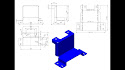
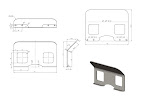
Technical drawing of thin sheet metal parts

Technical drawing of thin sheet metal parts

Software - FreeCad

Second and most important, you need 3d CAD software. FreeCad is freeware. You can download the program at the following link.


Learning to work with the Freecad software package

You can find a lot of material on the Internet and YouTube to easily learn how to work with this program.

The procedure of following the tutorial and learning the operation of Freecad

  1. Download the technical drawing from this post.
  2. Study the drawing carefully
  3. Start the Youtube link of this video tutorial
  4. Watch the video as many times as you like until you understand everything.
  5. Open the technical drawing and start FreeCad.
  6. Follow the procedure shown in the video tutorial.

Video tutorial

FreeCad, a video tutorial for working with a thin sheet metal part.


January 3, 2024

Unleashing Creativity and Precision: A Comprehensive Guide to SolidWorks

Introduction:


In the dynamic realm of 3D modeling and design, SolidWorks stands as a stalwart, empowering engineers, designers, and innovators to bring their visions to life with precision and efficiency. This powerful computer-aided design (CAD) software has revolutionized the way we conceptualize and create products. In this comprehensive guide, we delve into the world of SolidWorks, exploring its features, benefits, and the myriad ways it fosters innovation.


Section 1: Understanding SolidWorks


SolidWorks is a parametric 3D CAD software developed by Dassault Systèmes. Its intuitive interface and robust tools make it a favorite among professionals across various industries. Let's explore some of its key features:


1. **Parametric Modeling:** SolidWorks employs a parametric approach, allowing users to create and modify designs by altering parameters. This feature facilitates easy experimentation and iteration during the design process.


2. **Assembly Modeling:** The software excels in creating intricate assemblies, enabling users to simulate the interaction between multiple components. This is invaluable for designing complex products and machinery.


3. **Sheet Metal Design:** SolidWorks provides specialized tools for sheet metal design, streamlining the process of creating components like enclosures and brackets. The software ensures accurate unfolding and precise manufacturing.


4. **Simulation and Analysis:** Engineers can perform virtual testing on their designs using SolidWorks Simulation. This feature aids in identifying potential issues and optimizing designs for performance and reliability.


Section 2: Advantages of SolidWorks


SolidWorks offers a plethora of advantages that contribute to its widespread adoption in the design and engineering community:


1. **User-Friendly Interface:** SolidWorks boasts an intuitive interface, making it accessible to both beginners and seasoned professionals. Its drag-and-drop functionality and contextual menus enhance usability.


2. **Extensive Library of Components:** The software includes an extensive library of standard components and fasteners, reducing design time and ensuring accuracy in assemblies.


3. **Collaboration and Integration:** SolidWorks facilitates collaboration among team members through features like cloud-based storage and integrated communication tools. This ensures seamless workflows and efficient project management.


4. **Parametric Intelligence:** The parametric nature of SolidWorks enables users to make changes at any stage of the design process without starting from scratch. This promotes flexibility and creativity.


Section 3: Industry Applications


SolidWorks finds applications across a multitude of industries, including:


1. **Automotive:** From concept design to manufacturing, SolidWorks aids in creating automotive components with precision and efficiency.


2. **Aerospace:** The software is instrumental in designing complex aerospace structures, ensuring compliance with stringent industry standards.


3. **Consumer Electronics:** SolidWorks facilitates the development of sleek and functional consumer electronics, from smartphones to smart home devices.


4. **Medical Devices:** In the medical field, SolidWorks helps in designing intricate and customized medical devices with a focus on precision and safety.


Conclusion:


SolidWorks stands as a cornerstone in the world of 3D modeling and design, offering a powerful suite of tools that cater to the diverse needs of professionals in various industries. Its user-friendly interface, robust features, and parametric intelligence make it an indispensable tool for those striving for innovation and excellence in their designs. Whether you're a seasoned engineer or a budding designer, SolidWorks is your gateway to unleashing creativity with unparalleled precision.


August 23, 2023

Solidworks as an ideal tool for any engineer

The software tool that every engineer must have is Solidworks. 

Solidworks as an ideal tool for any engineer


SolidWorks is the ideal software tool for any engineer. Solidworks is a CAD/CAM/CAE package that offers tools and functions to design, manufacture, and analyze product models.


Solidworks is a great choice for engineers who want to work in the field of computer aided design (CAD) or computer aided manufacturing (CAM). The program combines all these aspects together into one package, giving users the ability to create accurate designs, manufacture parts and assemblies, and analyze performance.


The software's functionality makes it one of the most popular CAD/CAM/CAE packages available today. It is suitable for both small and large companies alike as it can be used by anyone regardless of experience level or budget.


SolidWorks also has an excellent job sharing feature that allows users to share their files with other people who are using the same software on their computers so that they can collaborate on projects together without having to use email or other methods of communication.


Solidworks also offers all sorts of consultants who can help you with problems that may arise during your design process such as using different materials or dimensions for your parts, which will save you time and money on each project

January 26, 2023

Sheet metal drawings 1 - 14


Explanation

In your daily work, you come into contact with sheet metal parts. In order to make such parts, you need to have a developed surface and shape of those parts. Whether you are going to work in Solidworks or Freecad (programs that have tools for that) or some other specialized software, you must reach the level for quality work in 3d modeling. In this post, I provide you with 14 examples of metal parts for embroidery. There are easy parts and also medium complex ones. If you can't model the part, leave a comment with a contact email. Clarify what the problem is in the comment.

January 6, 2023

Autocad Sheet metal

Sheet metal and Autocad. Sheet metal can be done very well and easily in Autocad.

Everyone who deals with mechanical engineering knows that it is very important to solve the development of sheet metal parts in an easy and accurate way. Autocad, a well-known system for CAD and 3D modeling, can perform this task.

Youtube free video tutorials

In the continuation of this post, you can watch 4 video tutorials that show tutorials for working with Autocad Sheet metal.

Autocad Sheet metal 1Autocad sheet metal 2

Autocad sheet metal 3Autocad Sheet metal 4

January 20, 2020

Models and drawings for exercise SolidWorks, 0041 - 0050

Slightly more complex models with workshop drawings.


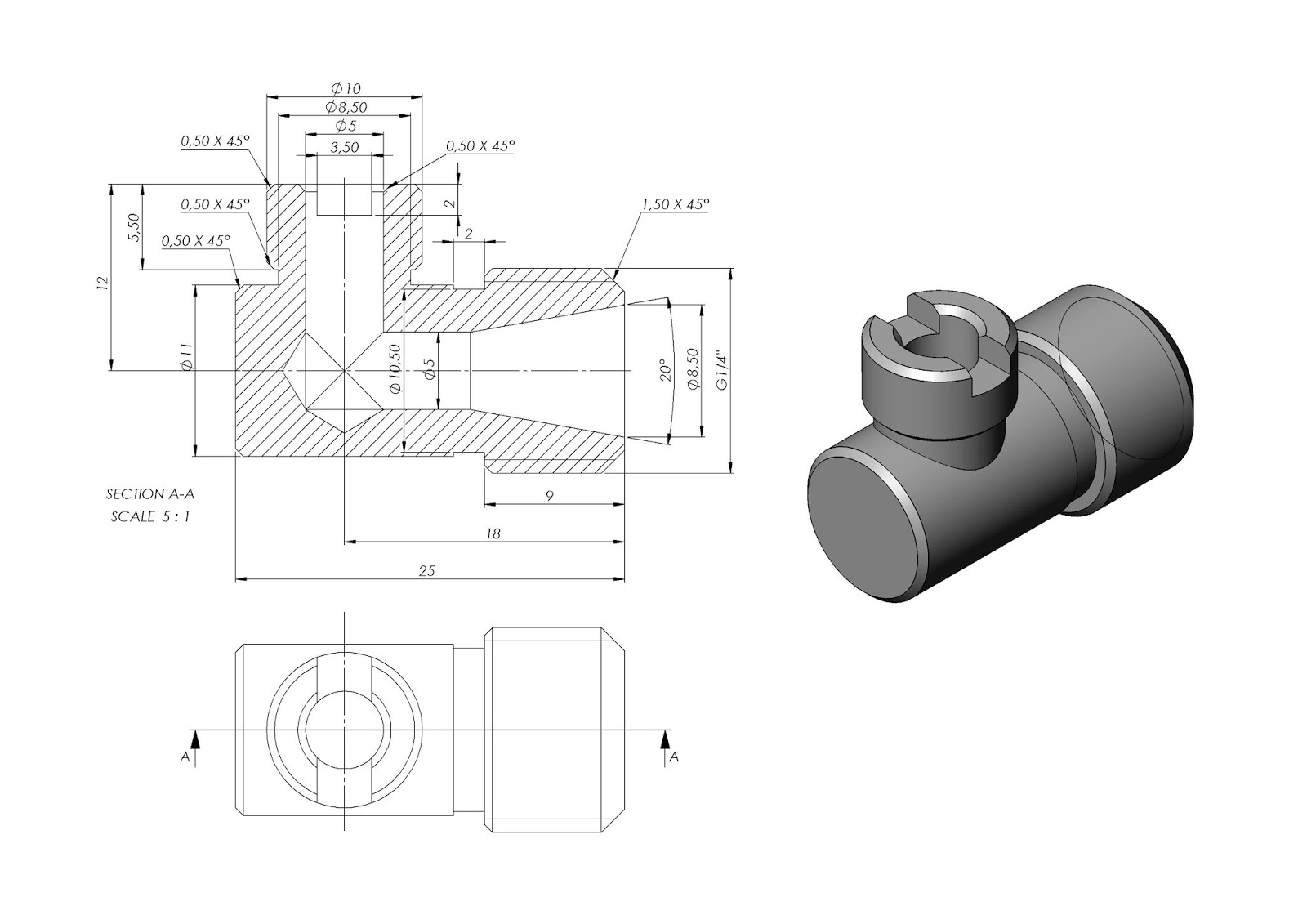
The drawings have a view with dimensions and completed 3D models.


Enjoy


Solidworks model - 0041 Solidworks model - 0042
Solidworks model - 0043 Solidworks model - 0044

Solidworks model - 0045 Solidworks model - 0046

Solidworks model - 0047 Solidworks model - 0048


Models and drawings for exercise SolidWorks, 0031 - 040

Slightly more complex models with workshop drawings.

The drawings have a view with dimensions and completed 3D models.

Enjoy

Solidworks model - 0031 Solidworks model - 0032
Solidworks model - 0033 Solidworks model - 0034
Solidworks model - 0035 Solidworks model - 0036
Solidworks model - 0037 Solidworks model - 0037
Solidworks model - 0038 Solidworks model - 0039

January 19, 2020

Models and drawings for exercise SolidWorks, 0021 - 0030

Slightly more complex models with workshop drawings.

The drawings have a view with dimensions and completed 3D models.

Enjoy